Companies
The Companies view displays organization records linked to your people.
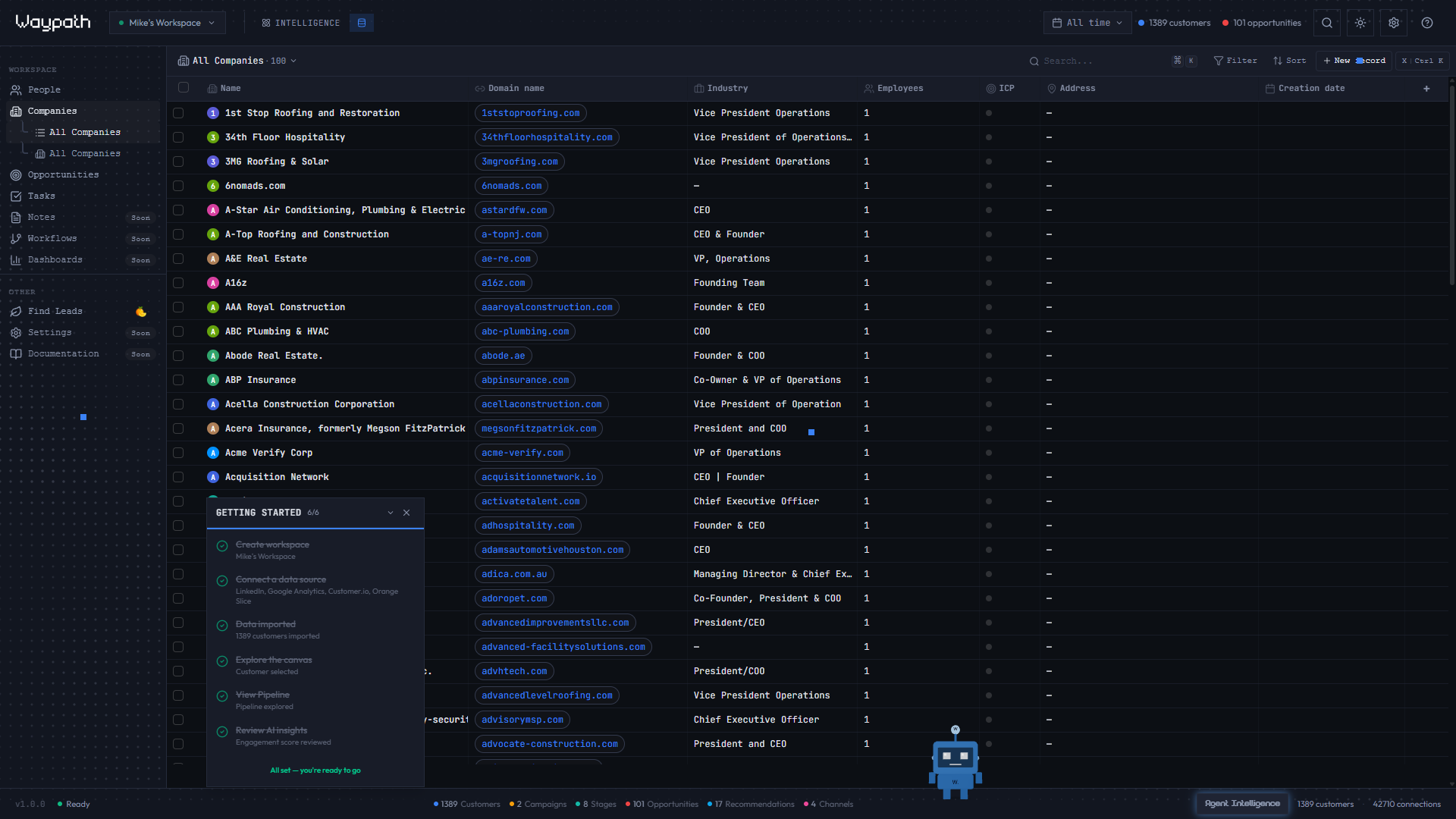
01Table columns
| Column | Description |
|---|---|
| Name | Company name with logo |
| Domain | Website domain |
| Industry | Business sector |
| Size | Employee count range |
| People | Number of linked person records |
| Revenue | Annual revenue estimate |
| Created | Record creation date |
02Actions
- Search: filter companies by name or domain
- Sort: click column headers to reorder
- Select: click a row to view company details
- New company: click + New in the toolbar
- Linked people: the detail panel shows all people associated with this company