People
The People view displays all person records in a sortable, searchable table.
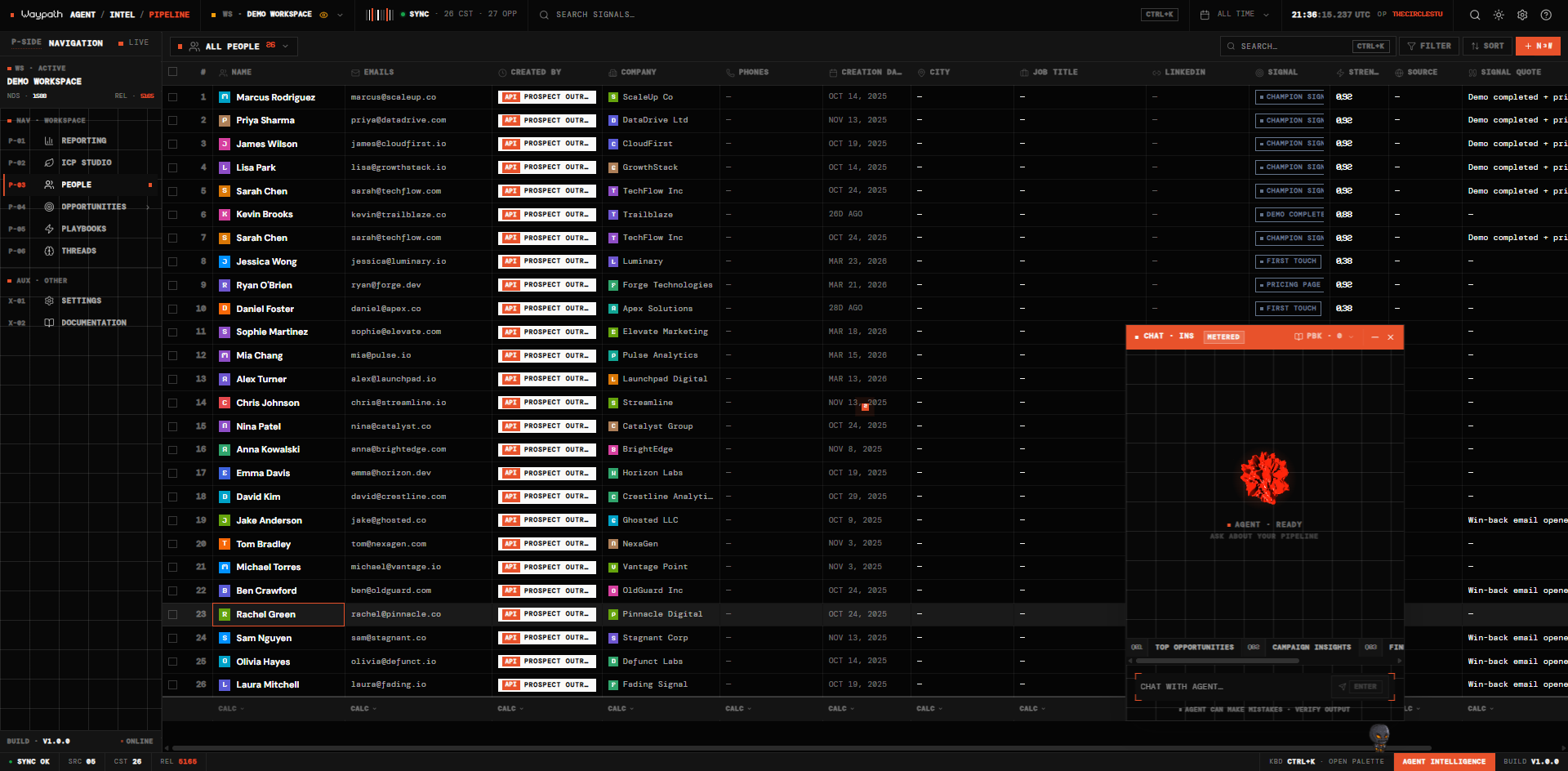
01Table columns
| Column | Description |
|---|---|
| Name | Person name with avatar |
| Email address (rendered as a pill) | |
| Company | Linked company record |
| Phone | Phone number |
| City | Location |
| ICP Score | Ideal Customer Profile score (0-100 bar) |
| Signal | Latest signal type badge |
| Source | Originating platform |
| Created | Record creation date |
02Actions
- Search: press
Cmd+Kto filter people by name or email - Sort: click any column header to sort ascending/descending
- Select: click a row to open the record detail panel
- New person: click the + New button in the toolbar
- View in Intelligence: from the record detail panel, jump to this person in Intelligence