Lead Search
Waypath’s lead search lets you find and import B2B prospects directly into your workspace, enriched with real-time buying signals.
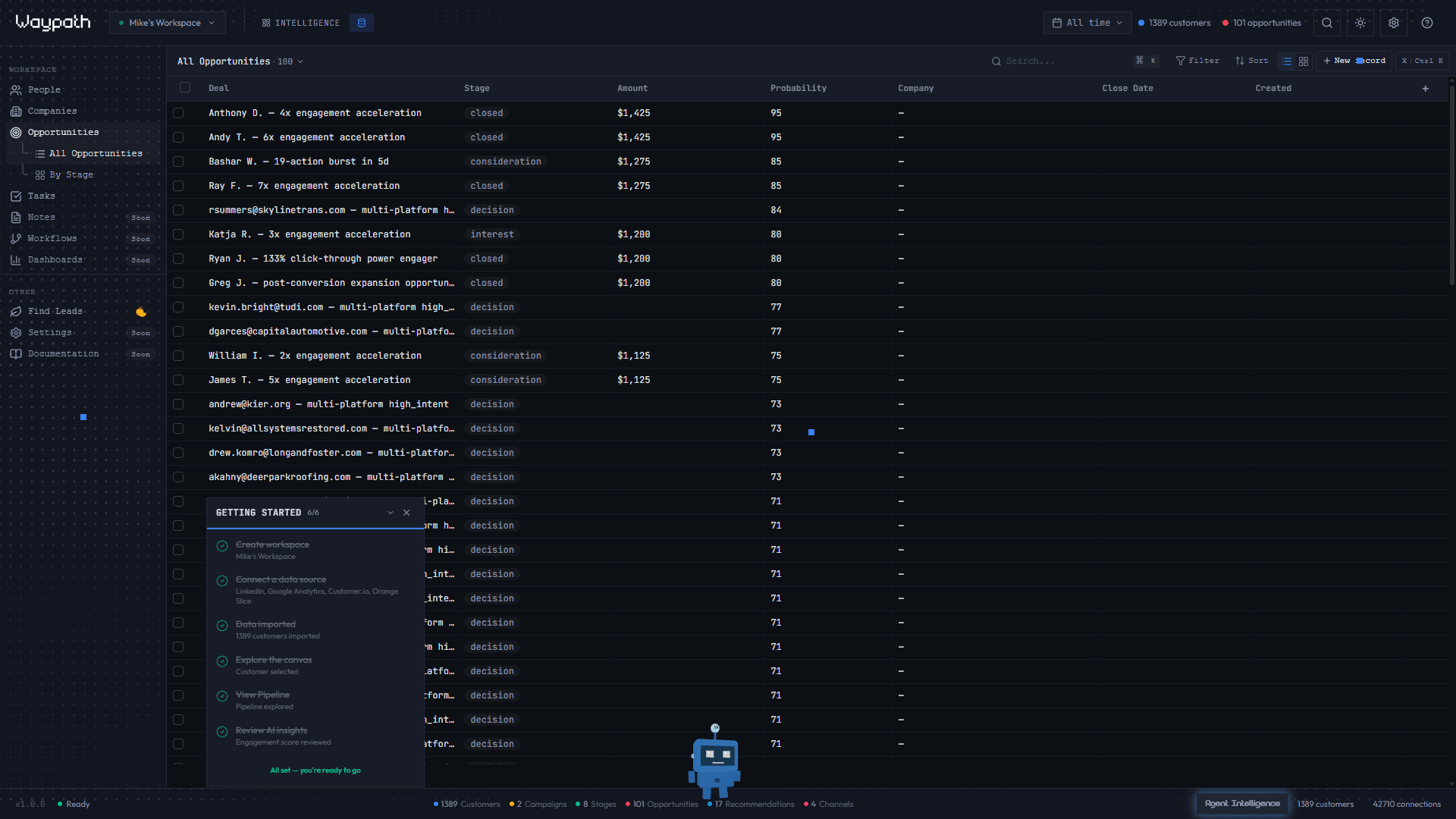
Searching for leads
Search by any combination of:
- Company name or domain
- Job title or role
- Industry or sector
- Location
Results show prospect details including name, title, company, email, and available signal data.
Importing leads
Click Import on any search result to:
- Create a person record in Pipeline
- Create a corresponding Customer node in the Intelligence graph
- Enrich the record with available signal data
- Calculate an ICP (Ideal Customer Profile) score
Enrichment and Signals
Waypath’s proprietary enrichment engine pulls meta-level signals that indicate purchase intent and account readiness. The signals you get:
| Signal | What it tells you |
|---|---|
| Job changes | Key decision-makers changing roles, new budget holders |
| Funding rounds | Companies with fresh capital to spend |
| Hiring patterns | Teams scaling in areas relevant to your product |
| Technology adoption | New tools in their stack that signal fit |
| Content engagement | Interest in topics aligned with your offering |
These signals are attached to person and company records as structured data, giving you context beyond basic contact info.
Hyper-Signals
When multiple signals converge on a single account (e.g., new VP of Marketing hired + Series B closed + competitor tool adopted), Waypath flags this as a hyper-signal. Hyper-signals automatically surface as Opportunity nodes in the Intelligence graph with composite scores, so the highest-intent prospects are immediately visible.
ICP Scoring
Each imported lead receives an ICP (Ideal Customer Profile) score from 0-100 based on how closely they match your target profile. The score factors in firmographic fit, signal strength, and engagement recency. The score appears as a horizontal bar in the Pipeline table for quick visual scanning.